Tournaments
 Missions
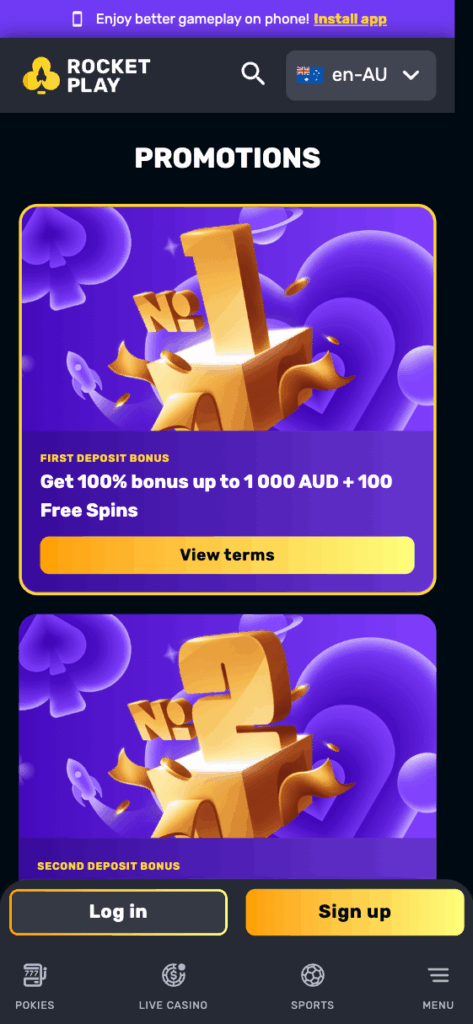
 Promotions
 Loyalty Program
 VIP Club
 Support

RocketPlay App Download for Android (APK) and iOS
How to Install Rocket Play Casino App?
RocketPlay Casino, like many other casinos, offers you the opportunity to play on your mobile device. All you need to do is download and install our app! The Rocket Play Casino mobile app allows you to instantly access the casino and all its exciting games from anywhere in Australia. It is also available for users of all operating systems: Android and iOS.
We have compiled instructions on what you need to do to install the RocketPlay Casino app on your device:
RocketPlay Casino iOS
The RocketPlay app cannot be downloaded from the App Store. However, it can be downloaded directly from the website. Find the “Download” button, select iOS, and confirm that you want to download the app. Depending on your internet connection speed, you may have to wait a few minutes for the file to be ready to open. Open the downloaded file and allow it to install in a special pop-up window. That’s it, you’re ready to start winning money.
Rocket Play Casino App Android
f you have an Android phone, the process is as follows:
Start by going to the mobile version of RocketPlay and choose to create an account. If you already have an account just sign in. Don’t worry, creating an account couldn’t be faster.
Once you’re on the site, look for the RocketPlay Casino download option. It should be almost jumping off the page. Select it and tell the site which operating system you have, the app download works on most Android systems.
As long as you have a good internet connection the download will be completed in a few minutes. If your device is any good it will ask you if you want to open the file, say yes!
You’ll get a message where you can confirm you want to complete the installation and then you can wait. Within a few moments the RocketPlay APK will be on your device and ready to use.
How to Use the RocketPlay App?
The RocketPlay Casino Mobile App interface is simple, and the concise color scheme makes it easy to navigate the site. The app is designed for use on any mobile device, so all players will be able to enjoy the highest quality graphics. That’s why we recommend downloading the RocketPlay casino app.
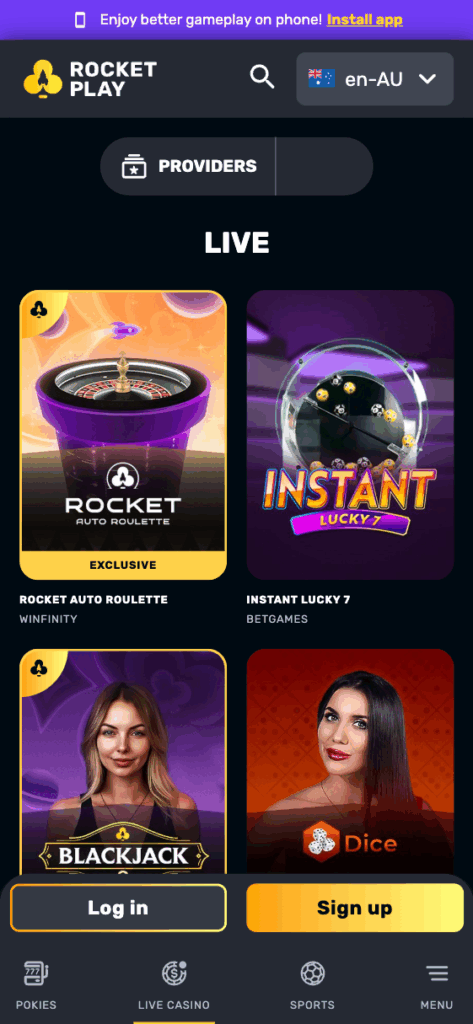
Before you start playing, you need to RocketPlay app login or register. After logging in to the app, select the type of RocketPlay games you want to play on the bottom screen of your phone.
Of course, before you start playing, you need to deposit funds into your account in the RocketPlay Mobile Casino app.
Rocket Play Casino Mobile App Interface
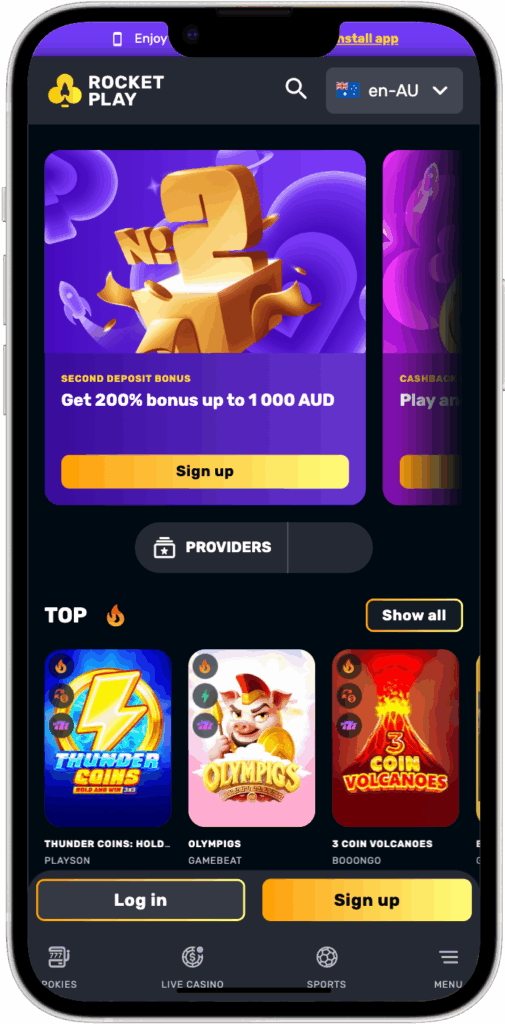
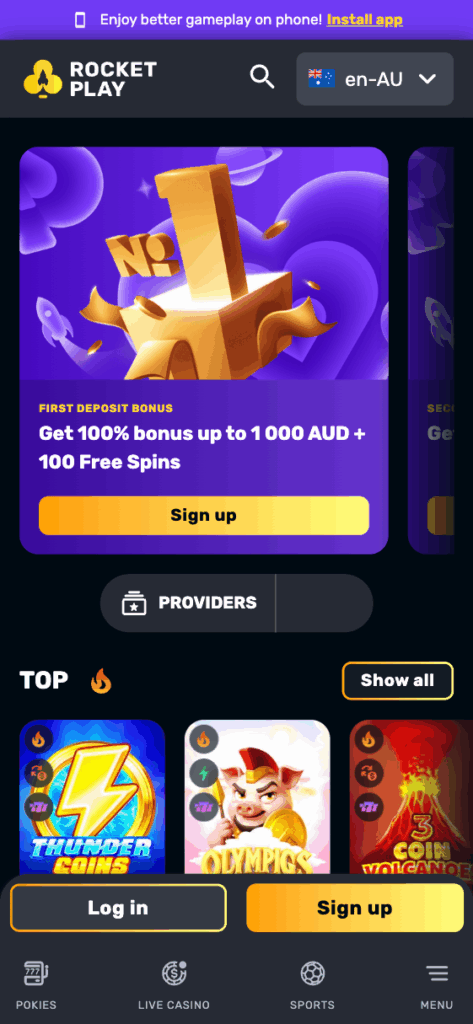
Everything in the Rocket Play app interface has been designed with your interests in mind. Everything is controlled via the touchscreen, and you will intuitively understand where to go. This is why we chose black and gold as the main colors.
On the main screen of the RocketPlay mobile Casino app, you will see a list of the most popular games. Select one of them and start playing. Or select a category and scroll through the list, which features hundreds of games, including several exclusive mobile games.
You can make a deposit or withdraw funds through the “menu” section, which you will find at the bottom of the mobile screen.
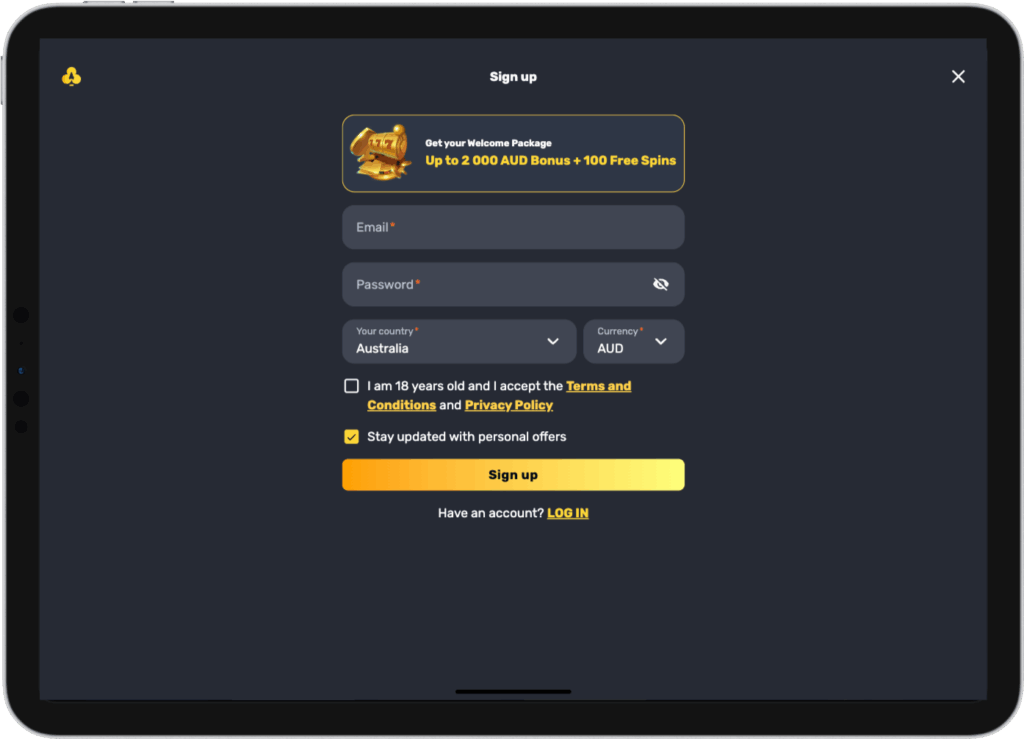
Registration at Rocket Play App
Before downloading Rocket Play Mobile, you need to register.
We ask you to provide basic information such as your name, email address, and confirmation that you are over 18 years of age. Registration will take a few minutes, after which you will be able to use the app.
But! Remember that your winnings must be paid into an account opened in the name you provided during registration. In other words, if you want to access your winnings, use your real name when creating an account.
Deposit and Withdrawal in the RocketPlay Casino App


To make a transaction in the Rocket Play Casino app, simply click on the “DEPOSIT” button at the bottom of the screen, select a payment provider, enter the amount you want to deposit, and confirm the transaction.
We offer traditional payment options such as Visa and Mastercard, as well as bank transfers. We also have Skrill, Paysafe, Neteller, Google Pay, Apple Pay, and a number of Bitcoin providers.
| Payment Method | Min Deposit (AUD/ Crypto) | Max Deposit (AUD/ Crypto) | Deposit Processing Time | Fee | Min Withdrawal (AUD/ Crypto) | Max Withdrawal (AUD/ Crypto) | Withdrawal Processing Time |
| Credit Card | 25 AUD | 6000 AUD (varies) | Instant | Free | – | – | – |
| CashtoCode | 25 AUD | 790 AUD | Instant | Free | – | – | – |
| Bitcoin | 0.0002 BTC | 0.4 BTC | Instant | Free | 0.0002 BTC | 0.4 BTC | Not specified |
| Bitcoin Cash | 0.001 BCH | 0.4 BCH | Instant | Free | 0.0001 BCH | 0.4 BCH | Not specified |
| Litecoin | 0.01 LTC | 60 LTC | Instant | Free | 0.01 LTC | 60 LTC | Not specified |
| Ethereum | 0.01 ETH | 12 ETH | Instant | Free | 0.01 ETH | 12 ETH | Not specified |
| Dogecoin | 1 DOGE | 1,600,000 DOGE | Instant | Free | 1000 DOGE | 1,600,000 DOGE | Not specified |
| Tether | 0.01 USDT | 4000 USDT | Instant | Free | 0.01 USDT | 4000 USDT | Not specified |
| eZeeWallet | 30 AUD | 4000 AUD | Instant | Free | – | – | – |
| Bank Transfer (Inpay) | – | – | – | Free | 30 AUD | 6000 AUD | Not specified |
| Bank Transfer (Wire) | – | – | – | Free | 30 AUD | 6000 AUD | Up to 7 days after cashout approval |
To deposit funds, find the deposit button and hit it. Check you’ve selected the right currency and enter how much you wish to deposit. Then, select your payment option. That’s it, you simply need to check the transaction and once you’ve confirmed it the funds will quickly be available in your account.
Withdrawing funds is just as easy. This time you’ll want the withdrawal option instead of the deposit button. That’s an important distinction. The rest of the process, selecting currency, entering an amount, and choosing the paylment option, is exactly the same.
Confirm your withdrawal request and the funds will be with you shortly. The exact time it takes depends on your chosen payment option.
Application Security
Your security is our top priority. We have a dedicated team that continuously monitors the rocket play casino app for the latest viruses, scams, and any other threats that could compromise your safety. All user data is protected using advanced encryption protocols and top-tier firewalls to ensure it stays secure.
To further safeguard your account, we require two-factor authentication, making it significantly harder for unauthorized access.
You can play with confidence, knowing that our team is constantly updating and enhancing our security systems to ensure a safe and seamless gaming experience.
Pros and Cons
If for some strange reason you’re still not convinced then take a look at the advantages and disadvantages of using the Rocket Play mobile app:
Thousands of games to choose from: we’re trying to offer more diverse games than any of our competitors
You’re mobile meaning you can play in any place at any time all you need is the internet and your phone
Our RocketPlay casino APK is what’s known as progressive, it won’t use your valuable storage space. This helps to maintain speed and a great user experience
It’s hard to imagine an app that gives you better customer support. We’re there 24/7 to help you with any issue and are happy to help
Depositing and withdrawing funds has never been easier
We take security seriously your data is safe with us
You must have a good internet connection to acces via a mobile device. Of course, you need an internet connection regardless of what device you’re using.